Know your next step
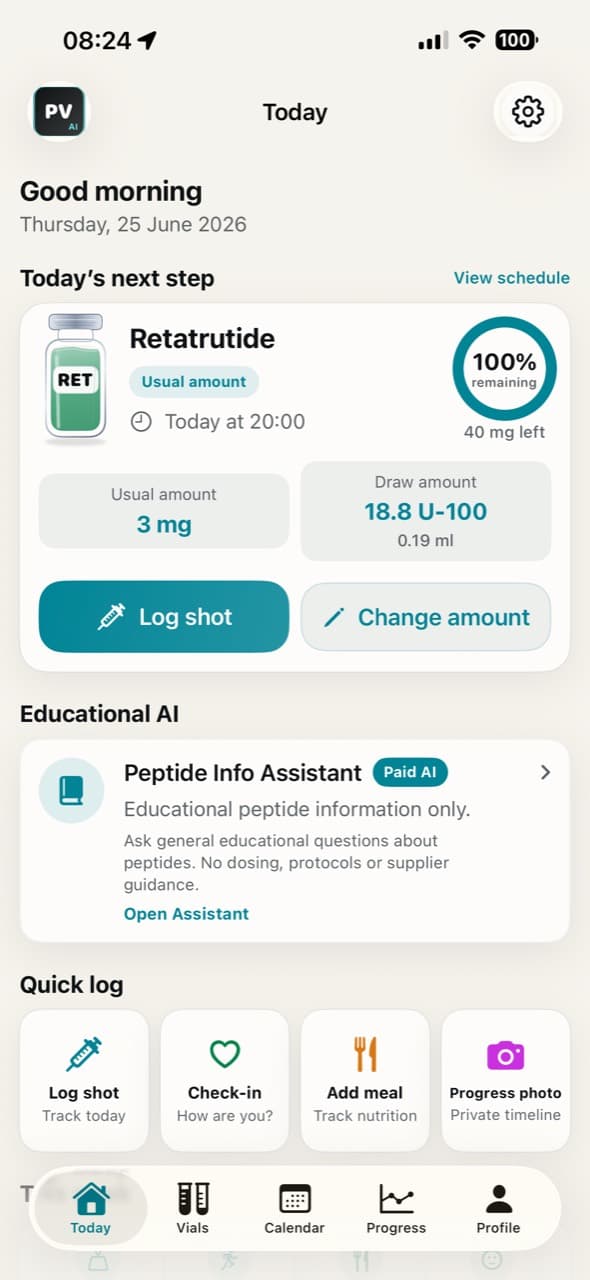
See what is next, how much to draw, and log shots in seconds with reminders on your terms.
- Next shot at a glance
- Draw guidance from your entries
- Quick check-in and reminders
Private · simple · controlled
Track shots, vials, reminders, food logs and progress context with local-first controls.
Product
See what is next, how much to draw, and log shots in seconds with reminders on your terms.
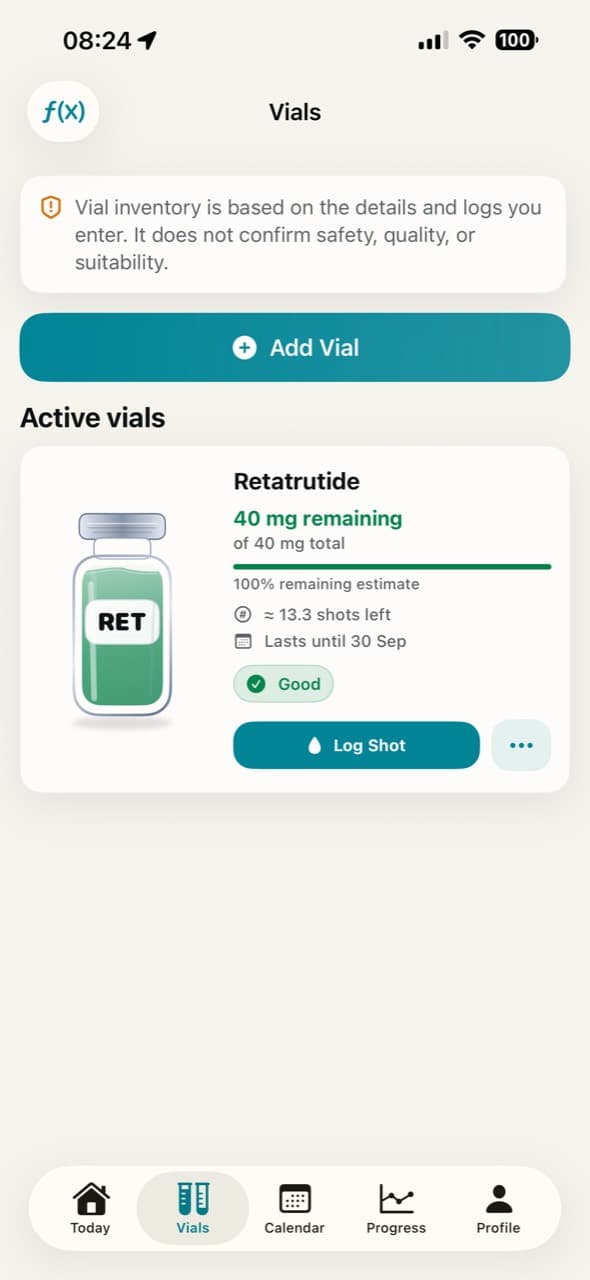
Track vial amounts, estimated shots left, and run-out context without turning records into medical advice.
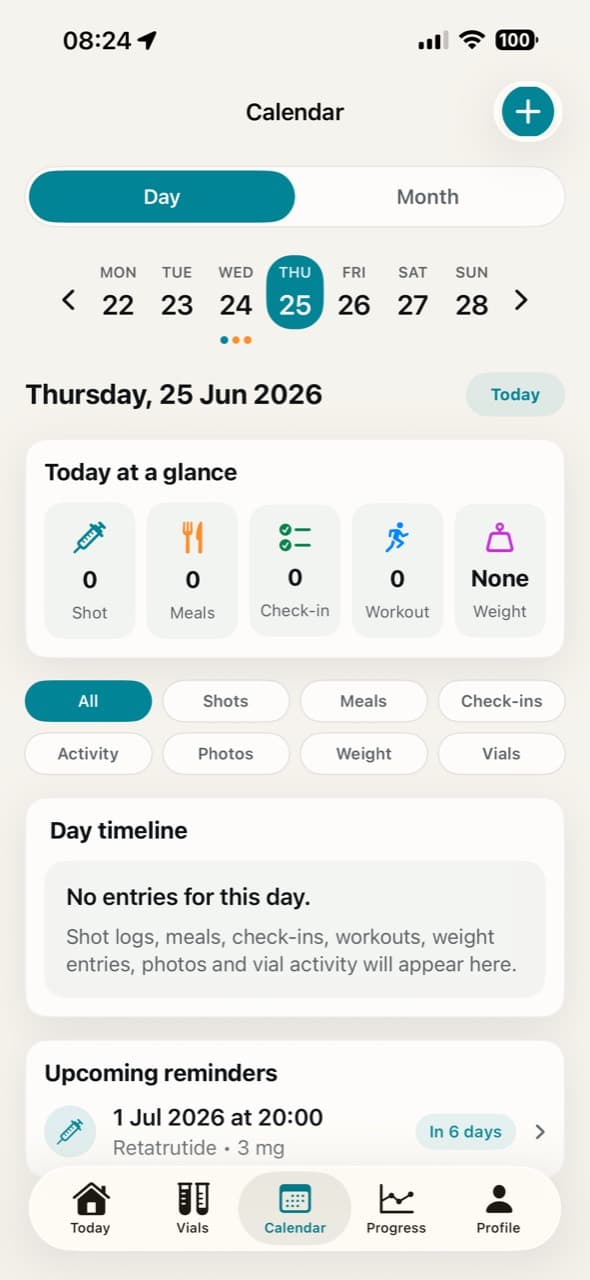
Use day and month calendar views to see reminders, shot logs, meals, activity and timeline context.
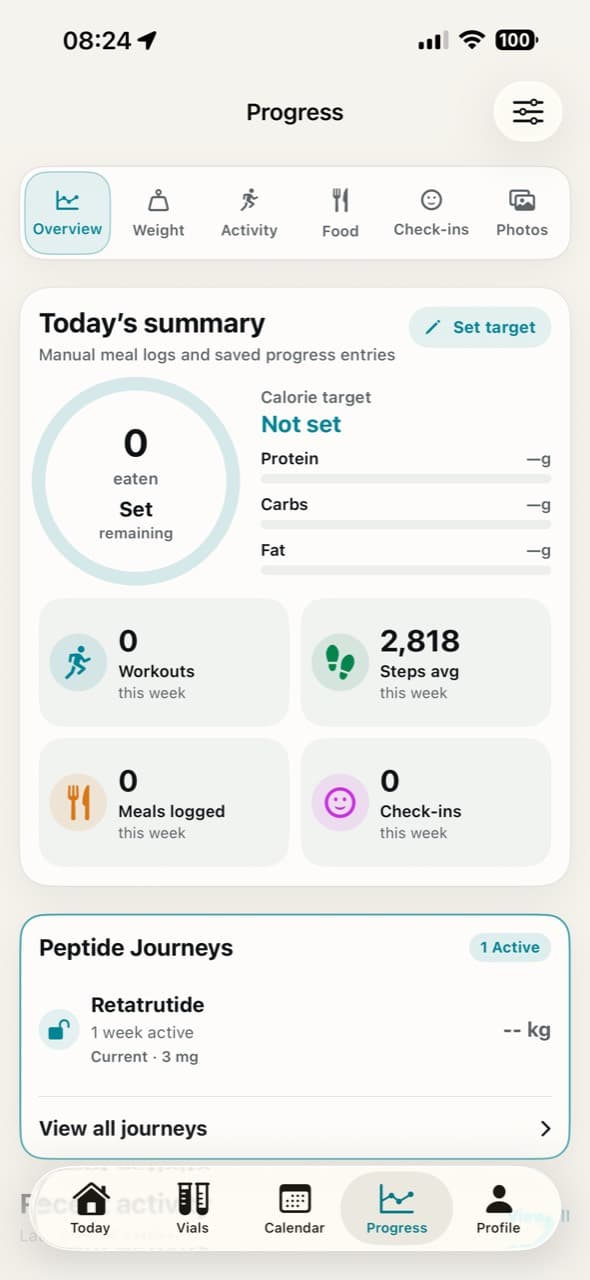
Bring weight, activity, food, check-ins and photos together for context only, with user-controlled records.
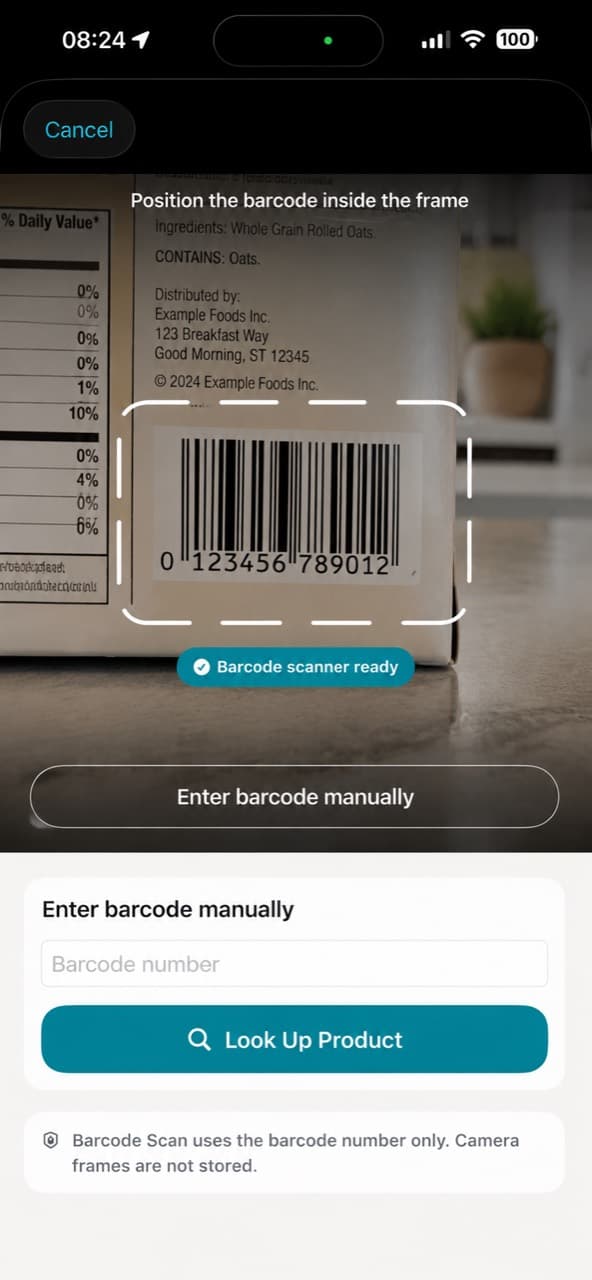
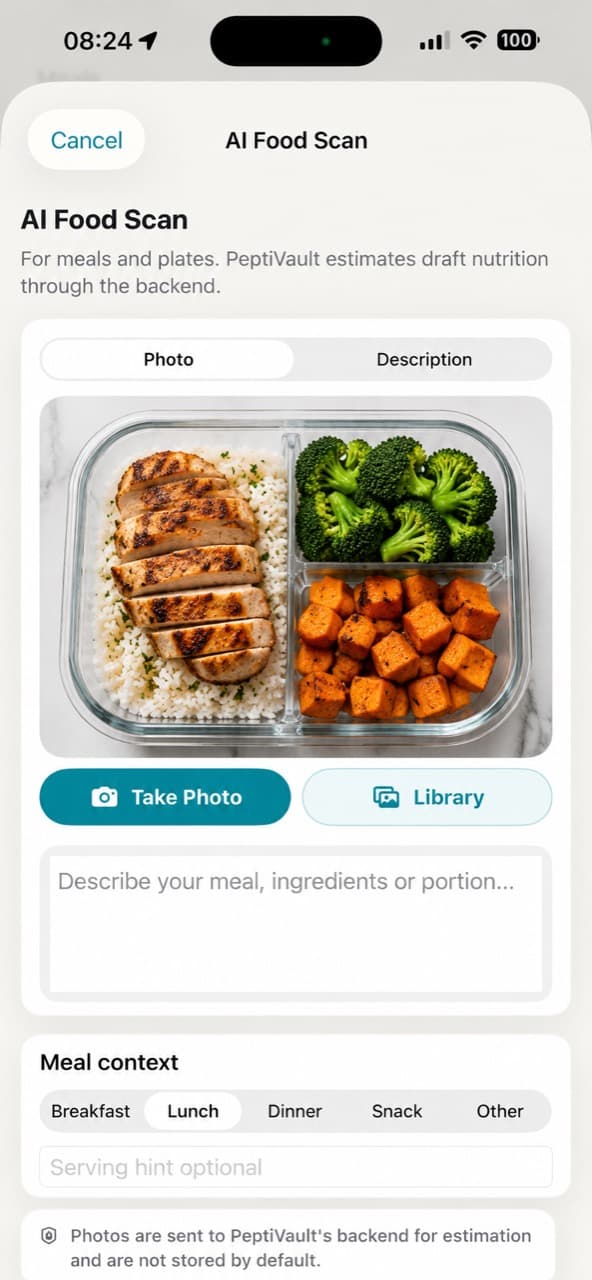
Use AI food scan, barcode lookup and manual logging as draft tools that require your review.
Routine tools
PeptiVault keeps extra tracking tools close to your routine, with plain boundaries around privacy, Apple Health and math-only calculations.
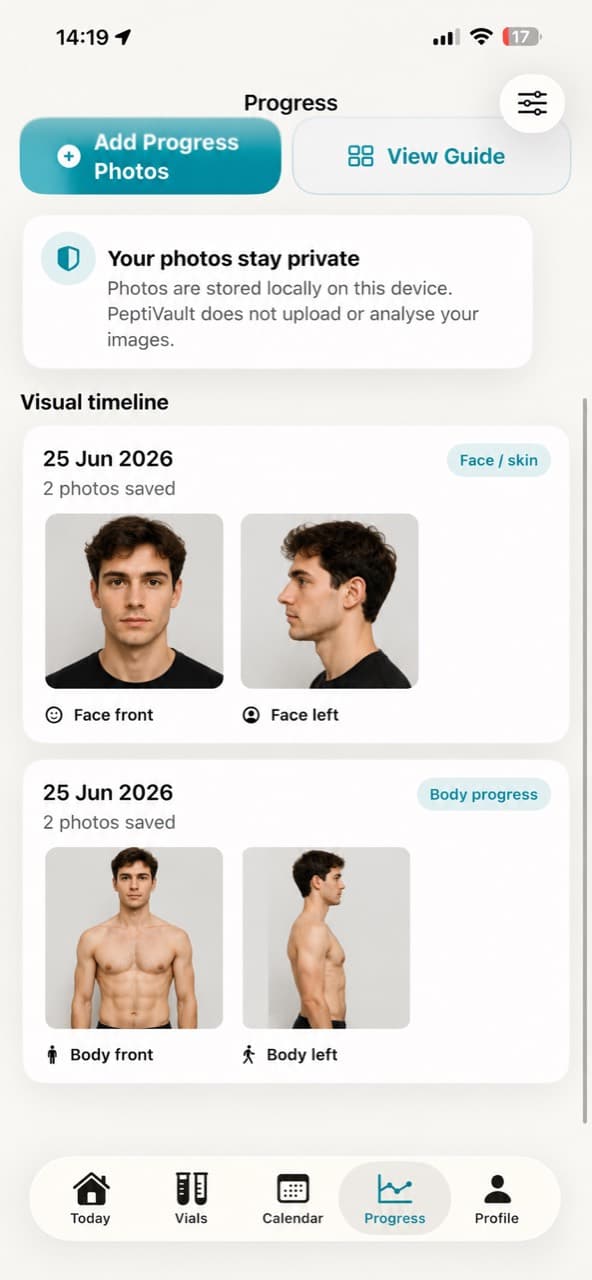
Save visual timeline photos locally for your own context. PeptiVault does not upload or analyse progress photos by default.
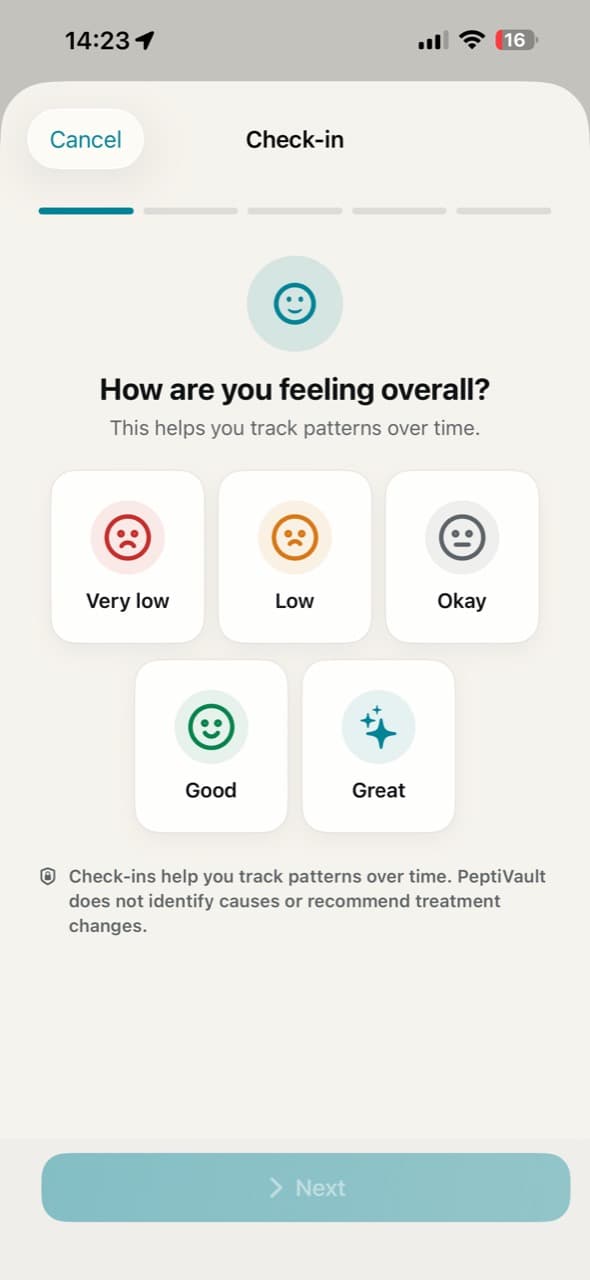
Record how you feel using a simple check-in flow. Check-ins help with personal context only and do not identify causes or suggest changes.
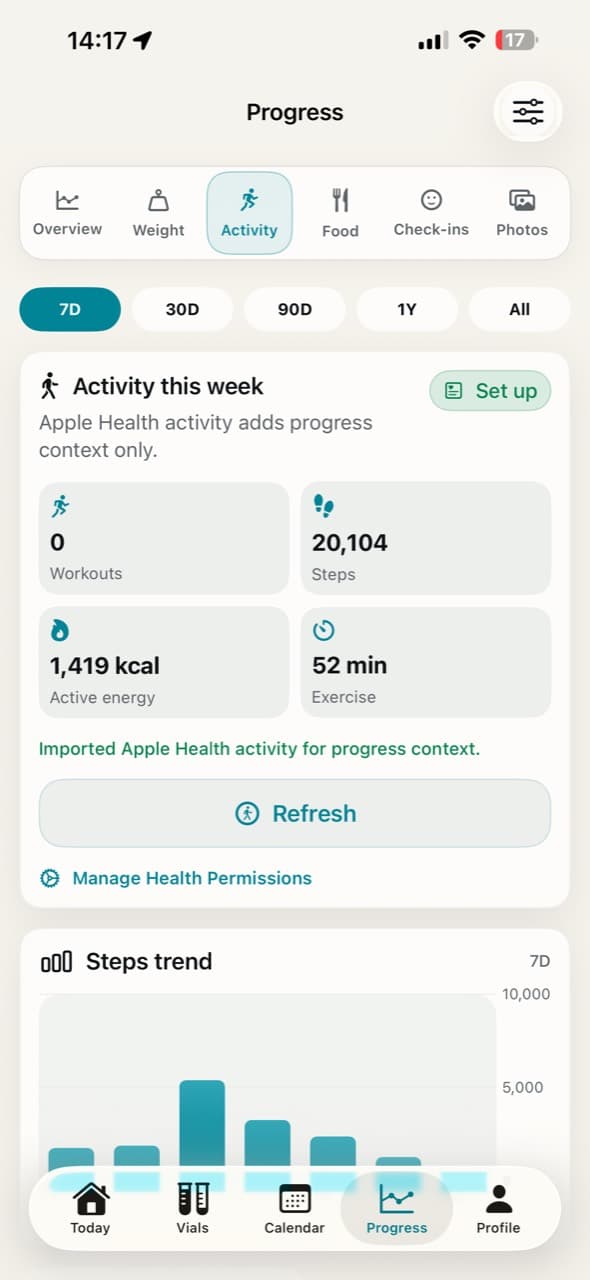
Bring in read-only Apple Health activity when you choose. Activity is shown as context alongside your records.
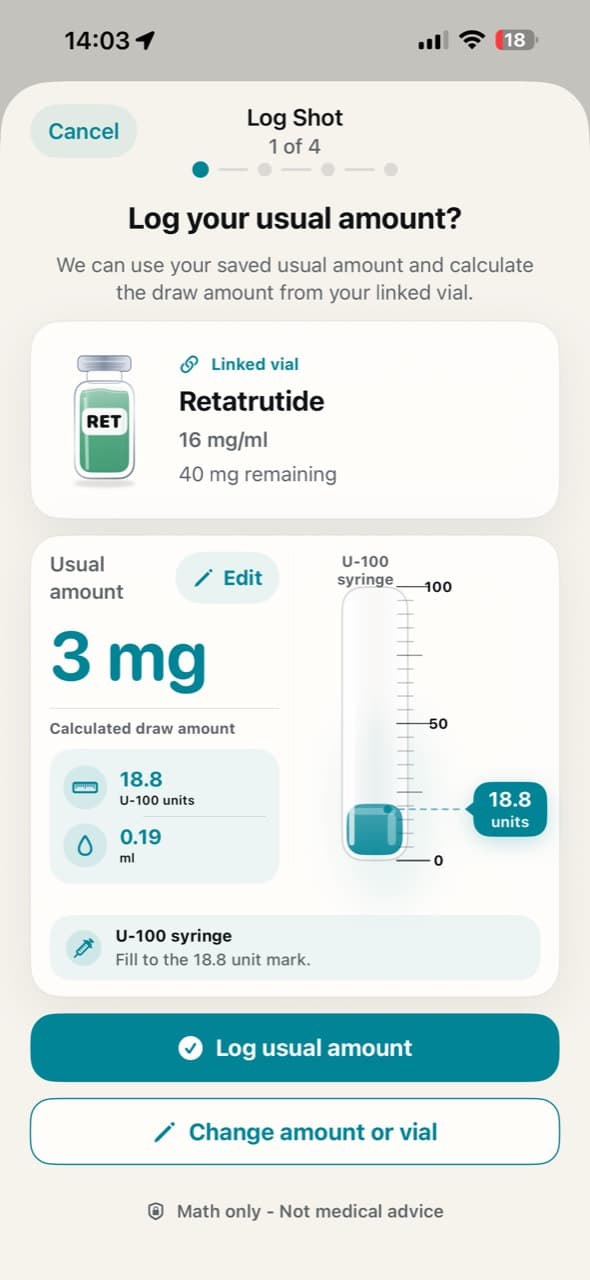
Use saved vial details to calculate draw amounts from values you enter. This is math-only and not medical advice.
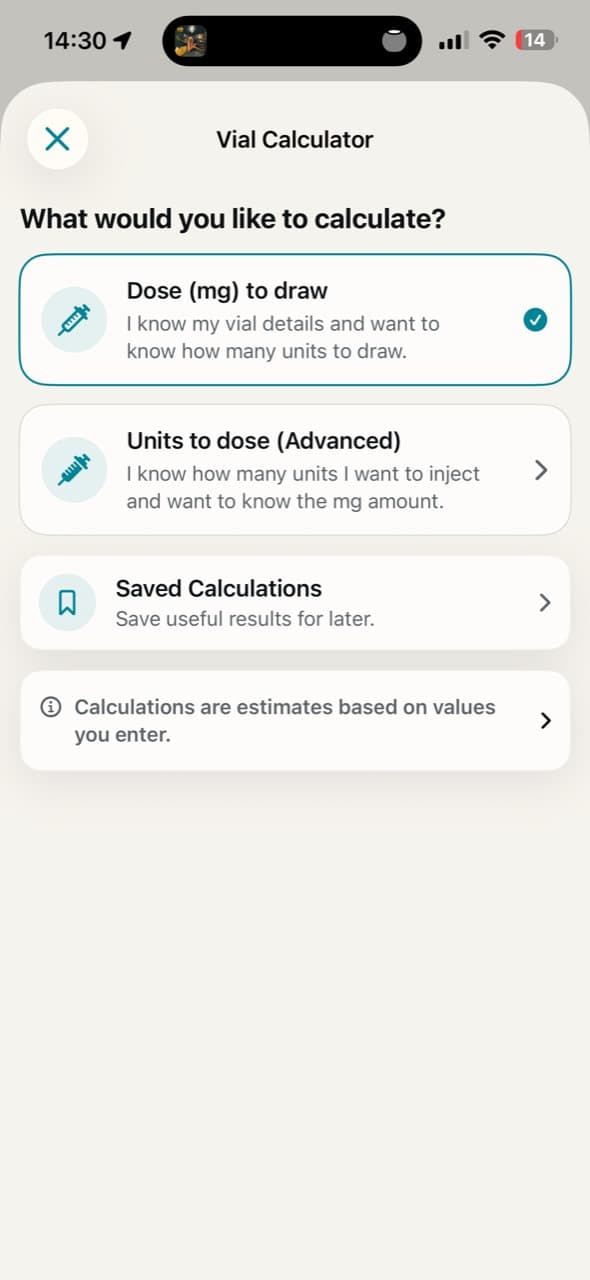
Choose the calculation you need and save useful results for later. Calculations are estimates based on the values you enter.
Privacy
Your core tracking records are kept in the app by default.
Health context is optional and read-only when you grant access.
AI features process only the text, images or barcodes you choose to submit.
Export your data when you want a copy outside the app.
Reminder notifications are scheduled on your device.
Support
Questions about PeptiVault, privacy, subscriptions or setup can be sent to enquiries@mhadevelopers.co.uk.
See how PeptiVault handles app data.
Find answers and contact details.
Read the terms for using PeptiVault.